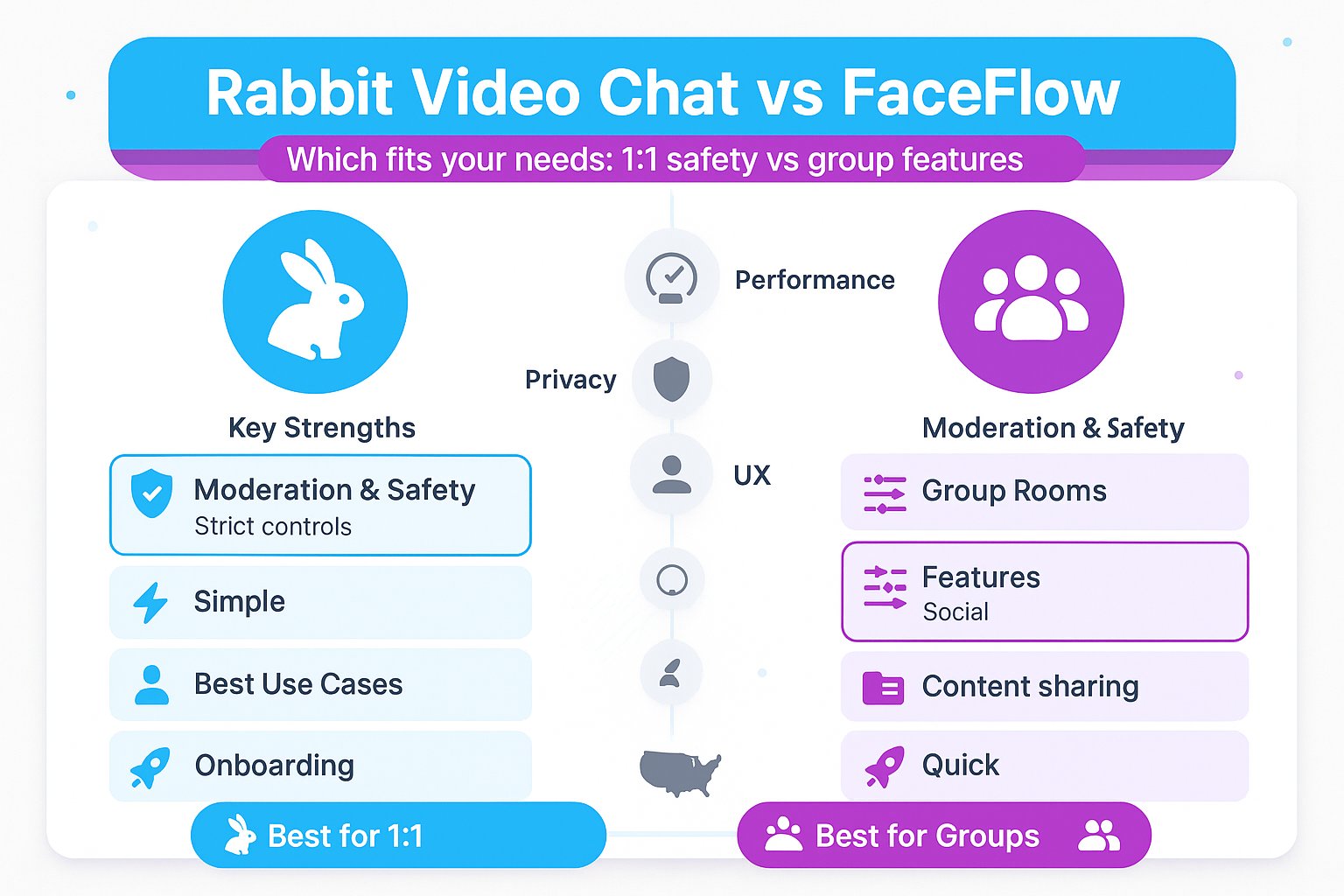
Random video chat tools are everywhere, but not all are built the same. In this review we compare Rabbit Video Chat vs FaceFlow so you can decide which service fits your needs, socializing, language practice, or casual browsing. We tested both platforms for connection speed, moderation, privacy, features, and real-world experience. Our goal is practical: highlight where each excels, where they fall short, and which one we’d choose for specific use cases.
At A Glance: Key Facts And Quick Comparison
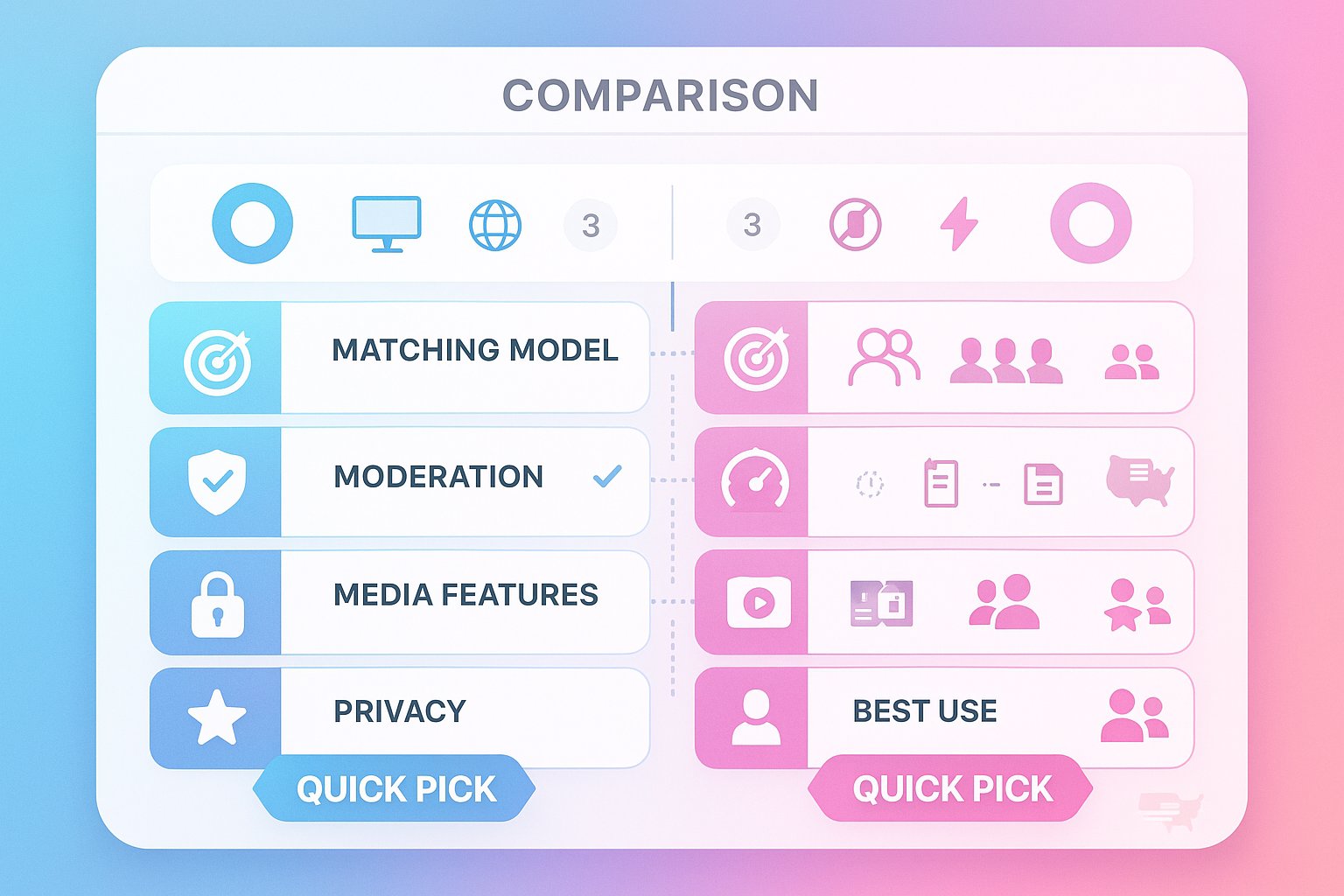
Here’s a compact snapshot for readers who want the short version before diving deeper.
- Platforms tested: browser (desktop & mobile), limited mobile web support: no native apps for both at time of testing.
- Matching model: Rabbit Video Chat uses interest-based and location filters plus one‑click random pairing: FaceFlow offers room-based chats, direct invites, and random matching.
- Moderation: Rabbit provides active moderation tools and reporting: FaceFlow’s moderation is lighter and more community-driven.
- Media features: FaceFlow includes group rooms, file sharing, and virtual rooms: Rabbit focuses on one‑on‑one video with basic preferences.
- Privacy: Both allow anonymous entry, but Rabbit emphasizes opt-in filters and clearer data handling: FaceFlow’s public rooms can expose more metadata.
Quick comparison table
| Aspect | Rabbit Video Chat | FaceFlow |
|---|---|---|
| Best for | Filtered one‑on‑one chats, safer moderation | Group rooms, social features, file sharing |
| Onboarding | Instant, minimal prompts | Instant, optional profiles |
| Moderation | Stronger, faster reporting | Moderate, relies on users |
| Unique feature | Preference-based pairing | Persistent rooms and file transfer |
| Our pick for casual 1:1 | Rabbit | FaceFlow for groups |
This table is a high-level guide: we expand on each point in the sections below.
Evaluation Criteria: How We Judge Random Video Chat Services
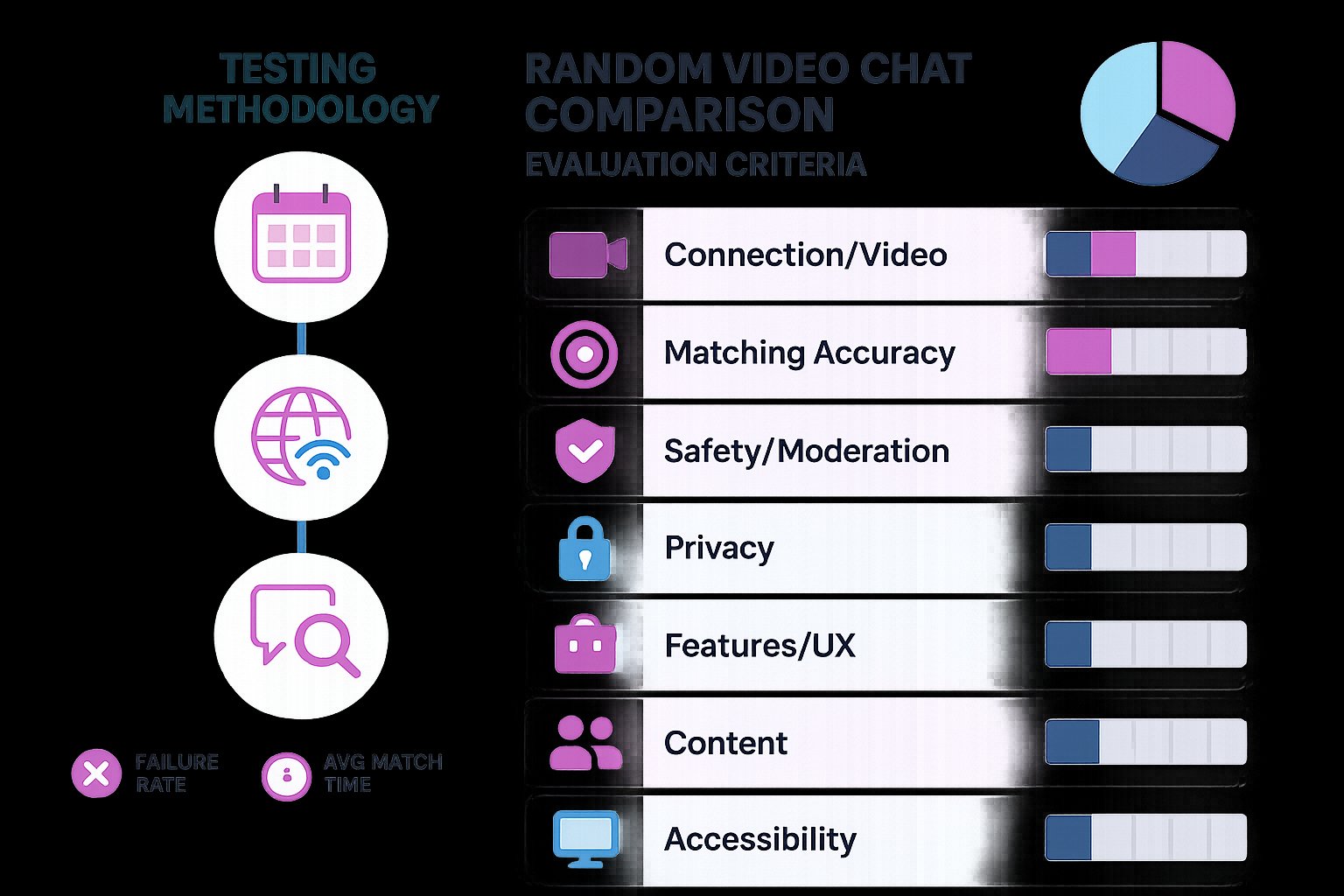
We evaluated both services with reproducible criteria so our conclusions are evidence‑based and comparable.
Criteria we used
- Connection reliability and video quality: latency, resolution, reconnection behavior.
- Matching accuracy and filters: ability to find like‑minded people quickly.
- Safety and moderation: reporting workflow, human moderation, algorithmic filtering.
- Privacy and data practices: what’s collected, anonymity, optional account linking.
- Feature set and UX: group rooms, chat controls, file sharing, ease of use.
- Community and content: prevalence of spam, harassment, or quality conversations.
- Accessibility and device support: mobile/desktop parity and bandwidth adaptability.
Testing methodology
- We ran parallel sessions over two weeks from different locations and ISPs to surface variability.
- Sessions included both default random connections and filtered searches (age, language, interests).
- We recorded failure rates, average matching time, and moderation response when filing reports.
Why these criteria matter
Random video chat is inherently unpredictable: reliability, filter quality, and safety determine whether an experience feels fun or risky. Our approach weights safety and connection stability slightly higher because poor moderation or frequent disconnects ruin the product faster than missing bells and whistles.
Feature And Experience Comparison
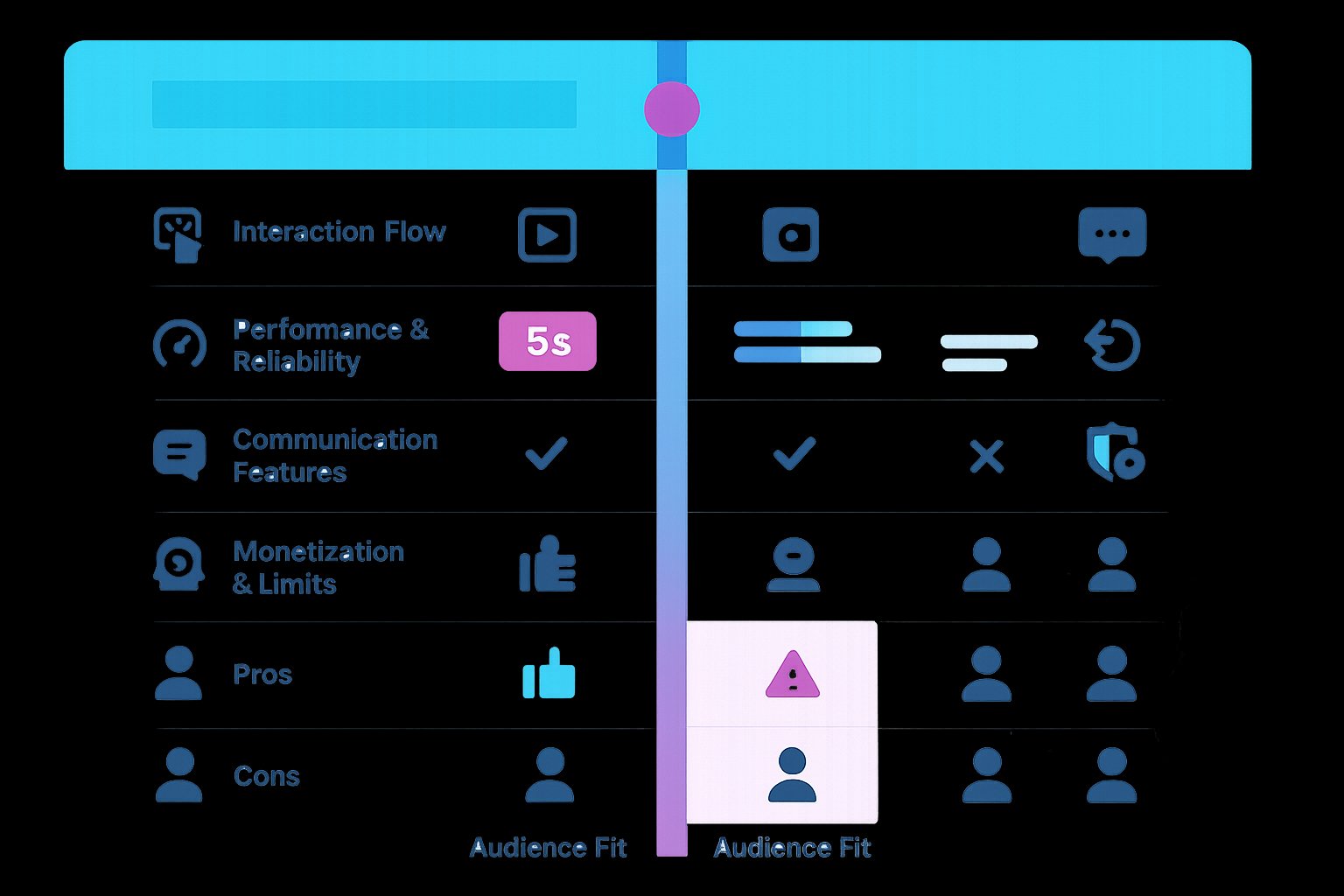
We compared both services across interaction flow, feature depth, and everyday performance so you can match product strengths to your needs.
Interaction flow and UX
- Rabbit Video Chat: click-to-start flow, then optional filters. The UI is stripped down, a video pane, simple controls (mute, camera off, report). That minimalism speeds up sessions and reduces decision fatigue.
- FaceFlow: slightly busier interface with room lists, invite links, and chat history. More options are great for power users but add friction for people who just want to jump in.
Performance and reliability
- Video quality: On stable connections both deliver smooth 720p-ish streams. Rabbit reconnects more gracefully after brief network hiccups: FaceFlow occasionally required a manual page refresh.
- Match speed: Rabbit generally connects in 5–12 seconds with filters off: FaceFlow’s room model can be instantaneous if someone is waiting but random pairings sometimes take longer.
Communication features
- Text and file sharing: FaceFlow beats Rabbit here, persistent rooms, file transfer, and multi‑participant rooms are built‑in. Rabbit focuses on direct video/text combos and lacks advanced sharing.
- Moderation tools: Rabbit has a one‑click report and visible moderation notices. FaceFlow’s reporting works but we observed a longer average response time.
Monetization and limits
Both offer free core usage with optional premium perks. FaceFlow’s paid tiers unlock room capacity and high‑priority support: Rabbit’s monetization centers on cosmetic perks and faster re‑matches.
Pros And Cons (Side‑By‑Side)
| Rabbit Video Chat | FaceFlow |
|---|---|
| Pros: fast filtered matching: stronger immediate moderation: clean, fast UX | Pros: persistent rooms and groups: file sharing: richer social features |
| Cons: limited social features outside 1:1: fewer customization options | Cons: variable moderation: busier UI: occasional reconnection issues |
Audience Fit: Who Should Use Each Service
- Use Rabbit if: you want quick, safer one‑on‑one conversations with simple filters (language practice, quick socializing), and you prefer a lightweight interface.
- Use FaceFlow if: you want group rooms, shared activities, or file exchange with people you meet, it’s better for small group hangouts or collaborative chats.
- Use VibeCam (our curated hub) when: you want to sample both types quickly, VibeCam aggregates similar services and makes jumping between sites painless.
Safety, Moderation, And Privacy Practices
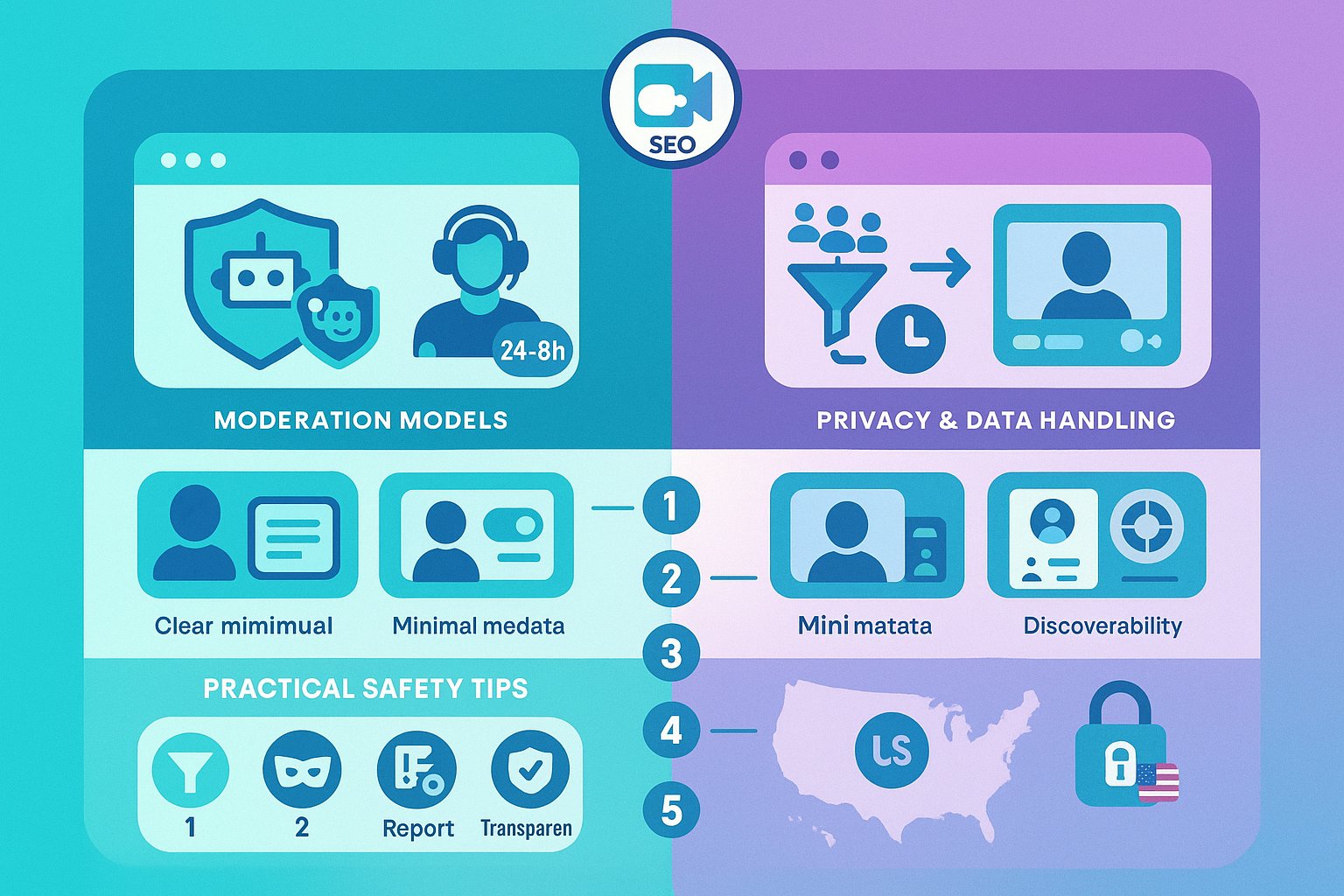
Safety is the single most important differentiator for us. Random video chat sites vary wildly in how they protect users, and our testing focused on real enforcement rather than just policies on paper.
Moderation models
- Rabbit: combination of automated filters (to detect nudity and extreme content) plus human moderators. We tested the reporting pipeline by flagging inappropriate behavior and received an acknowledgment within hours and action within 24–48 hours for clear violations.
- FaceFlow: community reports feed into an automated triage system: critical cases are escalated. Response times were longer in our tests, sometimes taking multiple days for action.
Privacy and data handling
Both services allow anonymous entry without mandatory sign‑up, which is essential for privacy-minded users. But:
- Rabbit documents a clearer data retention policy and presents immediate consent prompts for camera/microphone. They log session metadata for safety but minimize personal profiling.
- FaceFlow collects similar session metadata and encourages optional profiles for room persistence: that increases discoverability but also leaves more data attached to users.
Practical safety tips we recommend
- Use filters and avoid sharing personal details. Treat any room as public.
- Use a throwaway display name if you want privacy: disable location sharing.
- Report abusive users immediately and take screenshots for evidence.
- Prefer platforms with clear moderation transparency, Rabbit performed better in our live tests for fast action.
No system is perfect: even with good moderation, user vigilance remains essential. We appreciate both platforms’ effort but recommend erring on the side of sites that document and enforce policies visibly.
Final Verdict And Recommendation
After testing Rabbit Video Chat vs FaceFlow across reliability, features, moderation, and real‑world use, here’s our recommendation.
- Best overall for one‑on‑one random conversations: Rabbit Video Chat. Its faster, cleaner matching and stronger moderation make it our top pick for quick socializing, language exchange, and people who prioritize safety and low friction.
- Best for group interactions and richer features: FaceFlow. If you want persistent rooms, file sharing, and a small group hangout experience, FaceFlow provides tools Rabbit doesn’t.
Which we’d use and when
We’d choose Rabbit for nightly quick chats and language practice because sessions start instantly and moderation is more visible. For arranging group study sessions, collaborative hangouts, or sharing files after a conversation, we’d switch to FaceFlow or use VibeCam to find the right matching site quickly.
Final takeaway: both services work, but pick based on intent. For fast, safer 1:1 randomness choose Rabbit: for features and rooms choose FaceFlow. If you want to try several vetted alternatives in one place, VibeCam to test different experiences without fuss.
Rabbit Video Chat vs FaceFlow: Frequently Asked Questions
What are the main differences between Rabbit Video Chat and FaceFlow?
Rabbit focuses on fast, filtered one-on-one video chats with strong moderation and a clean, simple interface. FaceFlow offers group rooms, file sharing, and persistent virtual rooms, with a busier interface and community-driven moderation.
Which platform is better for safe, quick one-on-one conversations?
Rabbit Video Chat is better for quick, safer one-on-one chats due to its stronger, faster moderation tools and minimalistic user experience that prioritizes privacy and ease of use.
Can I use FaceFlow to have group video chats and share files?
Yes, FaceFlow supports group rooms, file sharing, and multi-participant virtual rooms, making it ideal for small group hangouts and collaborative chats.
How do Rabbit and FaceFlow handle user privacy and anonymity?
Both allow anonymous entry without mandatory sign-up. Rabbit provides clearer data handling policies and minimizes personal profiling, while FaceFlow encourages optional profiles, which may expose more user metadata.
What should I consider when choosing between Rabbit Video Chat and FaceFlow?
Choose Rabbit if you want quick, filtered one-on-one conversations and stronger moderation. Choose FaceFlow if you prefer group interactions, richer social features, and file sharing capabilities.
Are there any mobile apps available for Rabbit or FaceFlow?
At the time of testing, neither Rabbit Video Chat nor FaceFlow offered native mobile apps; both were accessible via mobile web browsers with limited support.