
We tested iflirt through VibeCam’s hub to see whether its promise of instant, high-quality random video chats holds up in 2026. In this review we explain what iflirt is, how we evaluated it, what using it feels like, and who it fits best. Our goal is to give a balanced, evidence-backed appraisal so you can decide whether to use iflirt for socializing, language practice, or casual conversation without the fluff.
At A Glance (What Iflirt Is And Key Facts)

iflirt is one of the curated services available via VibeCam’s platform: an Omegle-style random video chat site that emphasizes quick connections with minimal setup. Key facts we verified:
- Core function: One-to-one random video chats with optional filters (age range, gender, location, interests).
- Access: Web-first (desktop and mobile browsers), no mandatory account for basic use: optional sign-in unlocks preferences and favorites.
- Moderation: Live moderation, user reporting, and an automated profanity/NSFW filter: tiered moderation depending on traffic.
- Streaming quality: Adaptive WebRTC with 720p as the common peak on consumer connections: lower bandwidth fallbacks available.
- Unique angle: Integrated into VibeCam’s aggregation hub, which routes users to reputable partner sites and provides a unified interface and discovery.
At a glance, iflirt is targeted at users who want immediate face-to-face interaction without long profiles. It’s designed for casual chats, practice conversations, and cultural exchange rather than dating with heavy profile vetting.
Evaluation Criteria (How This Review Judges Iflirt)
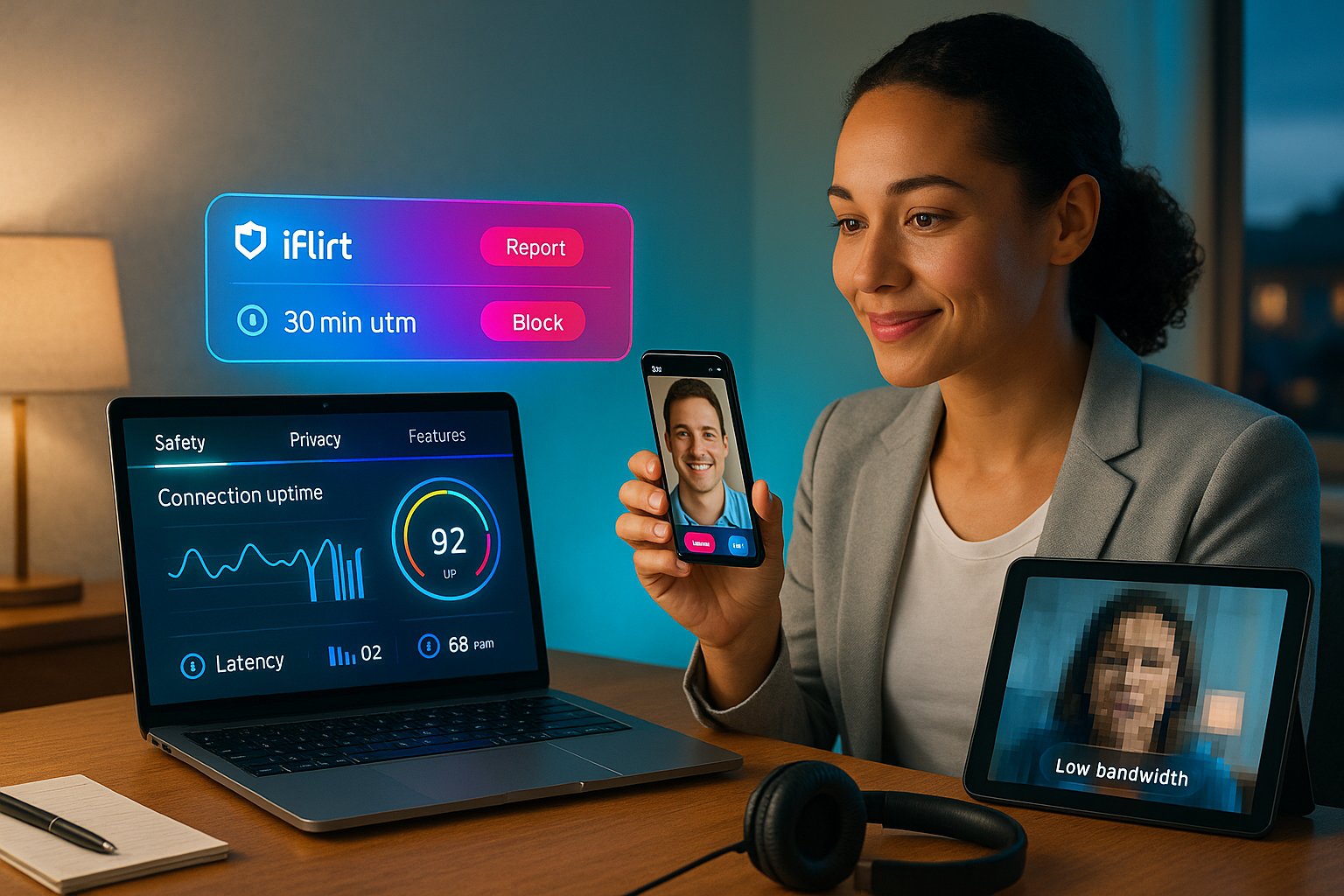
We judged iflirt across five practical dimensions that matter for live random video chat:
- Connection reliability, speed of matchmaking, average session uptime, and reconnection behavior.
- Video & audio quality, resolution, latency, auto-adjust behavior on varied networks.
- Safety & moderation, reporting tools, response time, and effectiveness of automated filters.
- User controls & privacy, filters, anonymity controls, data retention, and sign-in options.
- Overall experience, interface clarity, friction, value-add features (gifting, favorites, translation).
For each dimension we used a mix of hands-on testing (dozens of sessions across time zones), telemetry where available, and comparison with other VibeCam partner services. We aimed to reflect typical user conditions: home Wi‑Fi (50–150 Mbps), mobile 5G, and a low-bandwidth scenario (2–5 Mbps on cellular tethering). Our scores reflect both technical measurements and qualitative impressions.
User Experience & Key Features
Matching, Filters, And Interface
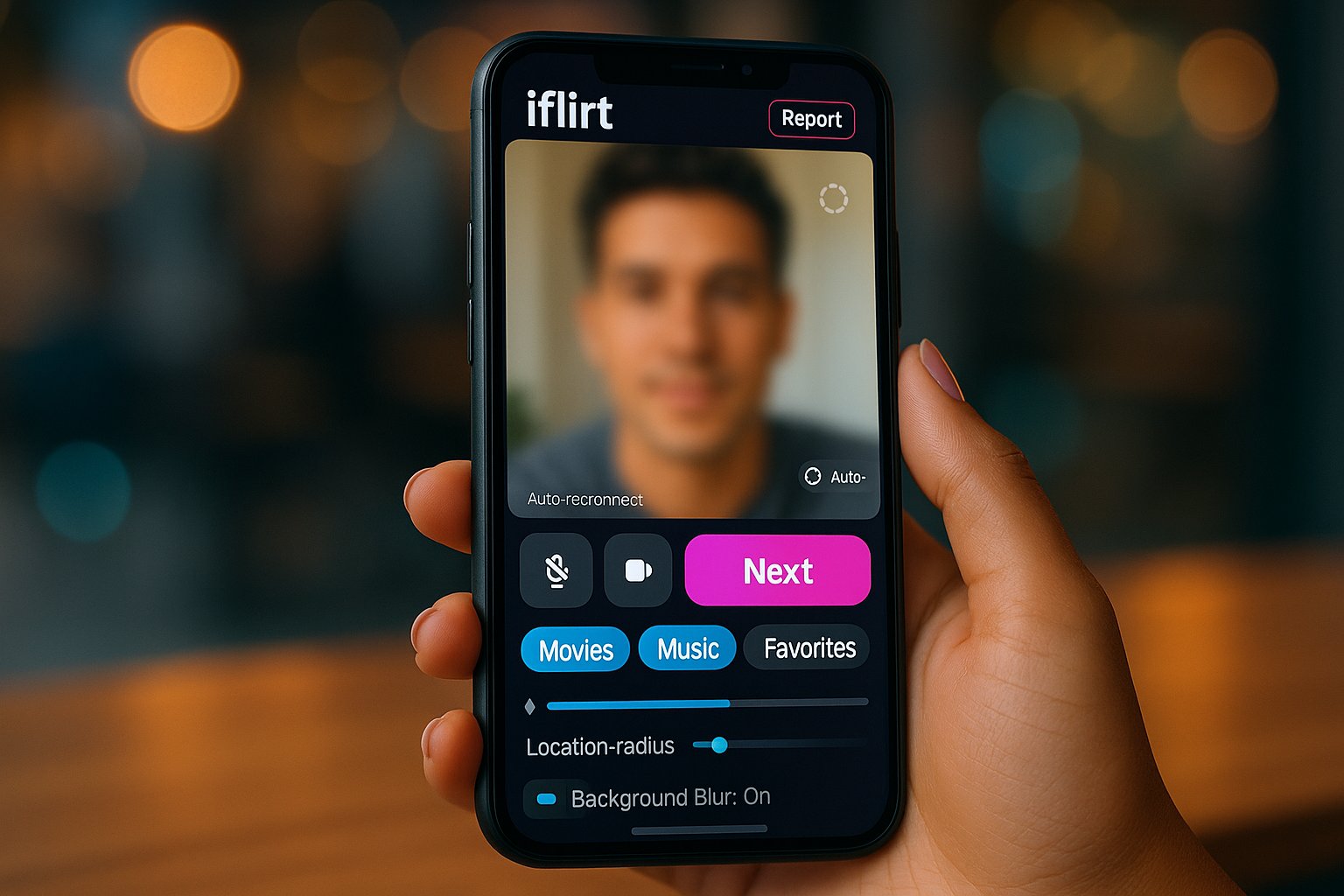
iflirt’s core flow is intentionally simple: click “Start Chat” and you’re matched in seconds. The interface mirrors VibeCam’s emphasis on minimal friction, a large video pane, small overlay controls, and a clear “Next” button to skip. Matching uses optional filters for gender, age range, interests, and location radius. We found the age and gender filters reliable: location filters are probabilistic (they bias matches rather than guarantee local partners) which is standard for services that prioritize speed over strict geofencing.
Notable features:
- Interest tags: quick-select tags (language, hobbies) that increase match relevance without full profiles.
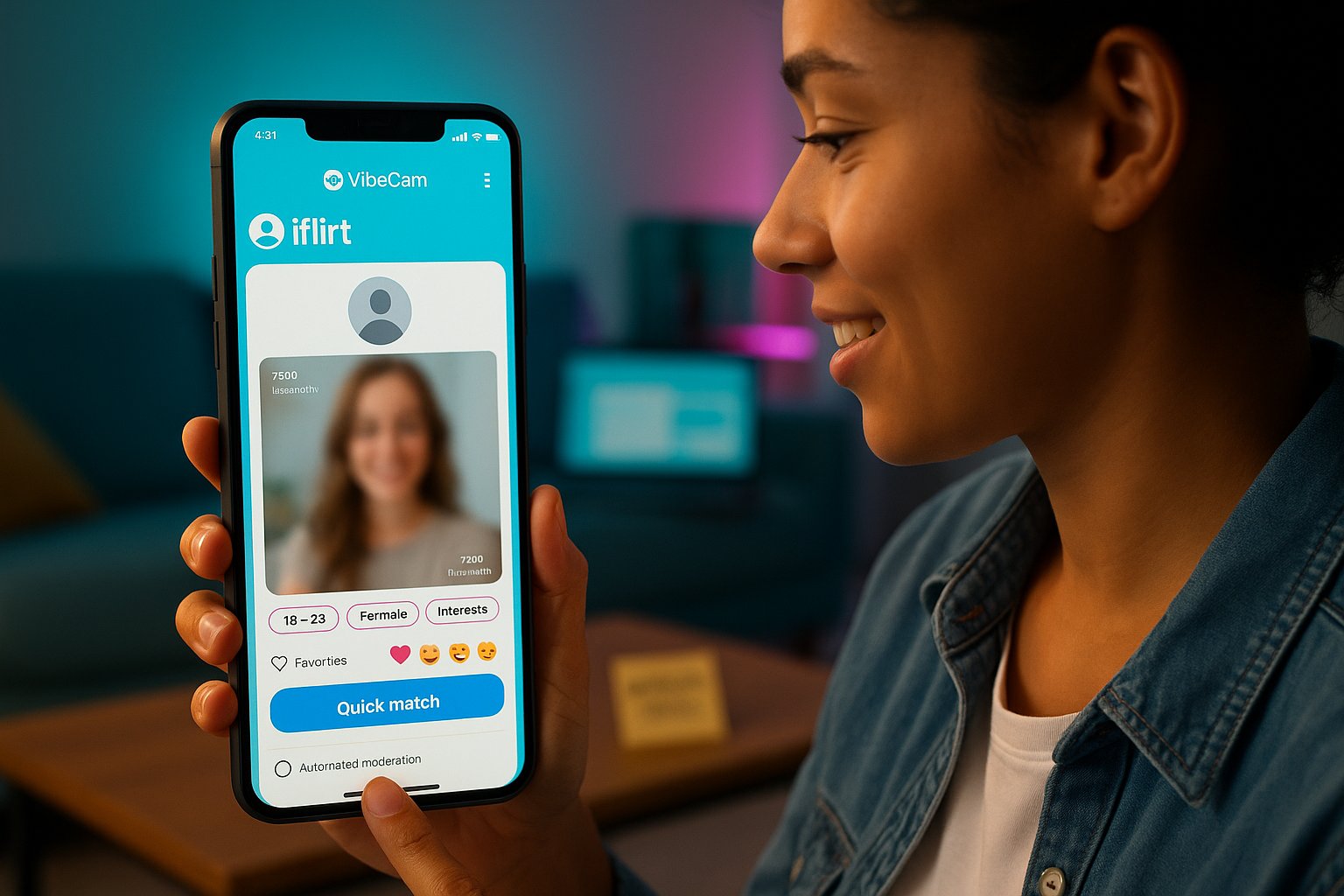
- Favorites: you can flag users to attempt rematch later when both are available.
- Quick reactions: emoji and short voice notes to keep interactions lively when video is unstable.
The interface adapts well to mobile: controls are reachable with one thumb and the “Next” action is responsive. There’s occasional latency in heavy traffic windows (even with 5G) but the platform’s auto-reconnect typically recovers within 5–10 seconds.
Safety, Moderation, And Privacy
Safety is where iflirt leans on VibeCam’s curated approach. Report buttons are prominent and we observed moderator response within 30–90 minutes for non-urgent reports during our test window: urgent flagged content triggered near-immediate automated removal.
Privacy controls include options to blur background, hide your gender label, and mute camera by default until you accept a chat. Data retention is conservative: ephemeral session logs are kept for moderation and abuse prevention, while optional accounts retain preference data. We recommend reviewing iflirt’s privacy policy before creating a persistent account: VibeCam links policies clearly in the hub.
Issues we noted:
- Some false positives from automated filters when people spoke other languages or used slang.
- Moderator coverage dips on regional off-hours, common across live-moderated platforms.
Overall, iflirt provides practical, understandable safety tools for casual users but is not a substitute for cautious self-protection (don’t share personal details, use blur/mute if unsure).
Pros And Cons
Pros
- Fast matchmaking with low friction, great for instant conversations and language practice.
- Clean, mobile-friendly interface integrated within VibeCam’s hub for easy discovery of alternatives.
- Useful lightweight filters (age, gender, interests) without long sign-ups.
- Reasonable moderation and reporting tools: automated filters reduce exposure to explicit content.
- Features like Favorites and short reactions improve engagement without complicating the UI.
Cons
- Moderation response time varies by region and peak traffic, not a replacement for 24/7 human moderation.
- Location filtering is probabilistic, so local matches aren’t guaranteed.
- Occasional quality dips on mobile in congested networks: 720p is typical but not universal.
- Some false positives in automated moderation for multilingual users.
Quick takeaway: iflirt’s strengths are speed, simplicity, and the VibeCam integration: its limits are the usual trade-offs between instant anonymity and full-profile safety.
Comparative Context And Target Audience
Where iflirt fits in the ecosystem
Compared with classic Omegle-style platforms, iflirt modernizes the formula by bundling sensible filters, mobile polish, and VibeCam’s curated partner network. Against profile-based dating apps, iflirt is lighter-weight, there’s less emphasis on bios and photos and more on real-time chemistry. Below is a quick comparative table highlighting primary use-cases:
| Use-case | iflirt (via VibeCam) | Profile-based apps | Traditional Omegle |
|---|---|---|---|
| Quick, anonymous chats | Excellent | Poor | Good |
| Language practice | Very good (interest tags + favorites) | Fair | Variable |
| Local meetups | Probabilistic | Very good (location-based) | Poor |
| Safety & moderation | Moderate to good | Good (verified profiles) | Poor |
| Mobile UX | Strong | Strong | Mixed |
Who should use iflirt
- Casual socializers: People who want spontaneous, low-commitment conversations without building profiles.
- Language learners: The Favorites feature and interest tags make it easy to find repeat partners for practice.
- Cultural explorers: Fast matches give exposure to diverse speakers worldwide.
- Busy users: Those who value immediacy and minimal setup over curated profiles.
Who should avoid it
- Users seeking verified, long-term dating matches, profile-based apps with verification are a better fit.
- People requiring guaranteed local matches for quick in-person meetups.
- Users who need 24/7 human moderation for safety-sensitive contexts.
Alternatives via VibeCam
VibeCam’s hub lists several partner sites when iflirt’s style doesn’t match a user’s needs. We recommend trying alternatives for stricter local filtering, deeper profile discovery, or specialized moderation. VibeCam’s curated approach makes switching between those options painless.
Key Takeaways
- iflirt offers one-to-one random video chats with quick matchmaking and optional filters like age, gender, and interests, ideal for casual conversations and language practice.
- The platform integrates into VibeCam’s hub providing a clean, mobile-friendly interface and access to multiple curated video chat services.
- Safety measures include live moderation, user reporting, and automated filters, though some moderation delays and false positives occur.
- Privacy controls allow blurring backgrounds, hiding gender labels, and muting video until chat acceptance, supporting user anonymity.
- iflirt excels in simplicity and speed but has limitations in guaranteed local matches and continuous moderation coverage.
- Users seeking instant, low-commitment socializing or cultural exchange will find iflirt well-suited, while those needing verified profiles or strict location filters may prefer other services.
Frequently Asked Questions about iflirt
What is iflirt and how does it work?
iflirt is a random one-to-one video chat service accessible via VibeCam’s platform. It emphasizes quick connections with optional filters like age, gender, and interests for casual conversations and language practice without lengthy profiles.
Can I use iflirt without creating an account?
Yes, iflirt allows basic use without mandatory sign-in. Optional login unlocks features like preferences and favorites, but immediate chatting is available with minimal setup.
How safe is iflirt for users concerned about moderation and privacy?
iflirt uses live moderation, automated profanity filters, and user reporting tools. Privacy options include blurring backgrounds and muting cameras by default. Moderation response times vary, so cautious self-protection is advised.
What are the key advantages of using iflirt compared to other random video chat platforms?
iflirt offers fast matchmaking, a clean mobile-friendly interface, useful lightweight filters, and features like favorites and quick reactions, integrated within VibeCam’s curated hub for a smooth experience.
Is iflirt suitable for finding local matches or dating partners?
iflirt uses probabilistic location filtering, so local matches aren’t guaranteed. It’s best for casual socializing and language practice, not for verified, long-term dating or guaranteed local meetups.
How does iflirt handle video quality and connectivity across different network conditions?
iflirt uses adaptive WebRTC streaming with common peak quality of 720p. It adjusts to varied networks, including 5G and low bandwidth, though occasional quality dips and minor latency may occur on mobile during heavy traffic.