


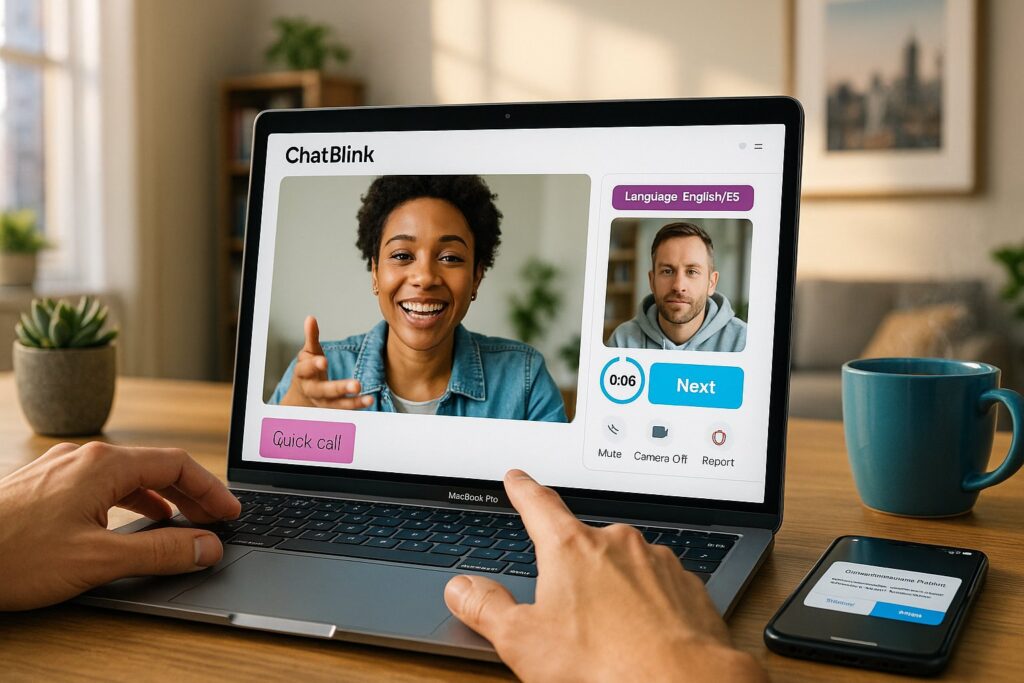
Random video chat apps remain a fast way to meet people across cultures, practice languages, or kill time between meetings. In this 2026 ChatBlink review we test how well the service delivers instant one‑on‑one video connections, how safe and usable it feels, and whether it’s actually faster or better than the crowded field of Omegle‑style sites. We approached ChatBlink as daily users: we checked setup friction, matched across countries and interests, and measured video quality and moderation. Our goal is practical: tell you when ChatBlink is worth opening, and when another service might serve you better.
At A Glance: Key Facts And Specs

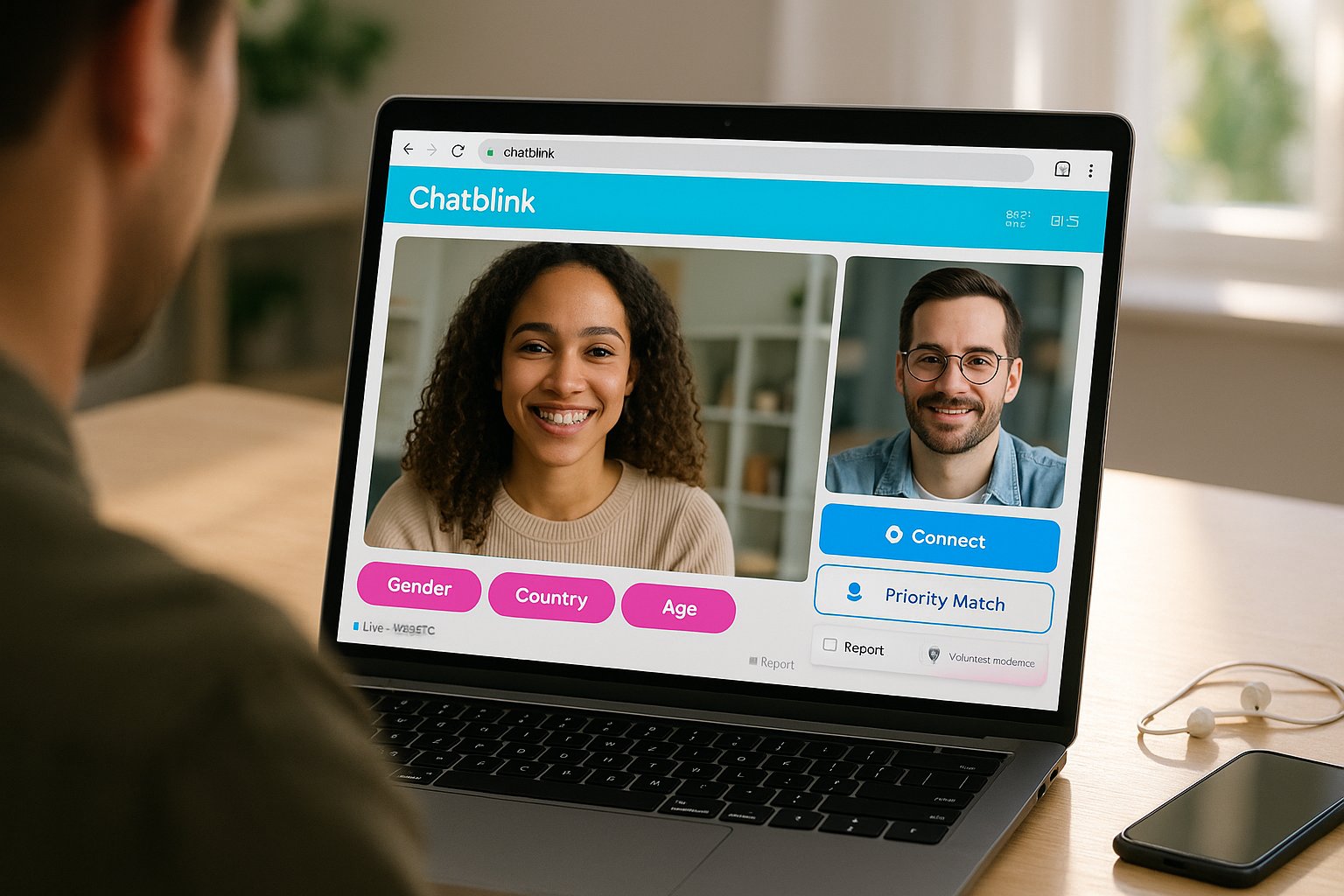
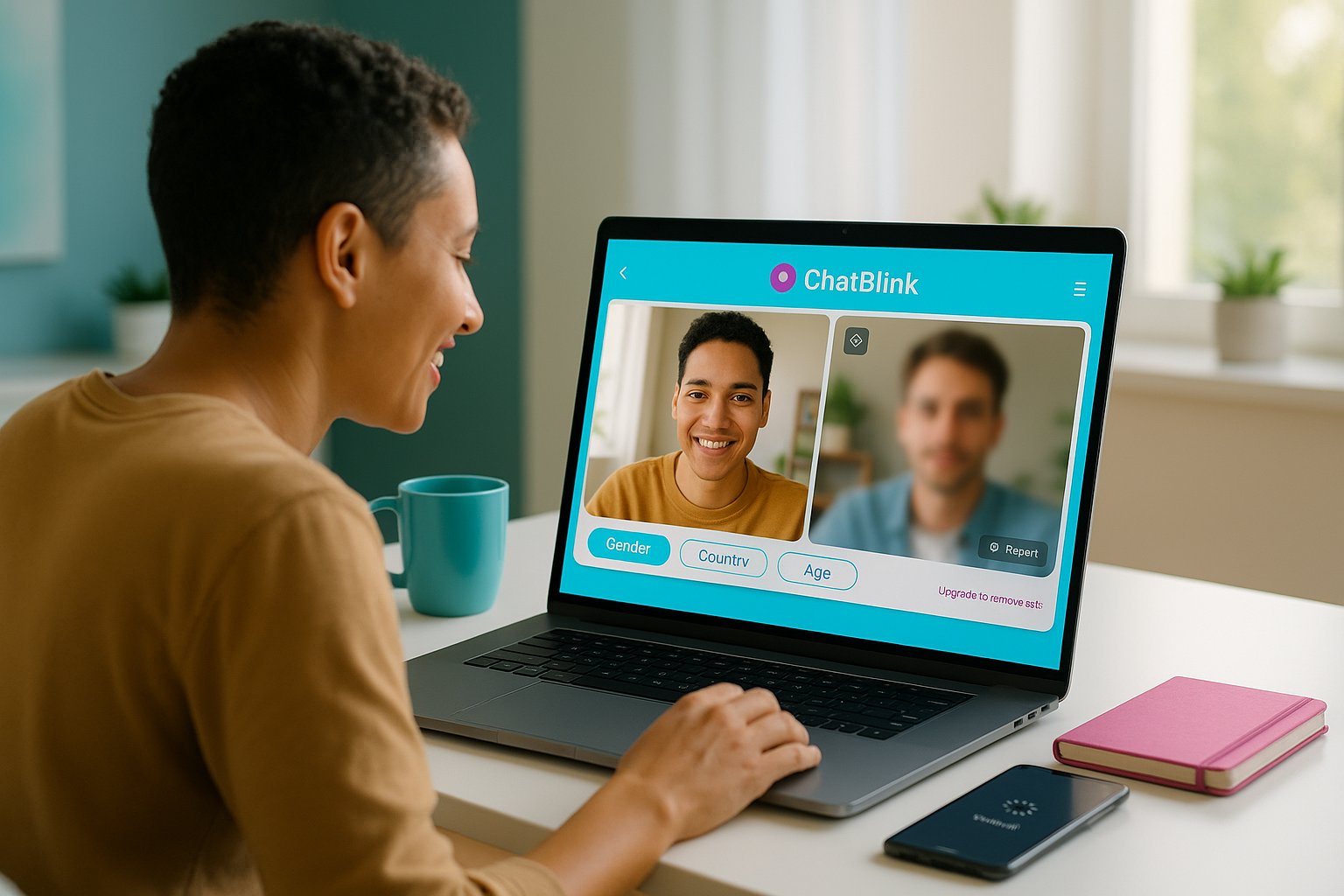
ChatBlink is a browser‑first random video chat service that emphasizes speed and minimal setup. Below are the headline specs we verified during testing.
- Launch model: Browser-based, no mandatory account or app required (optional sign-in features vary by region).
- Matching: One‑on‑one random pairing with optional filters (gender, country, age range in some sessions).
- Video: WebRTC streaming, adaptive bitrate, auto‑switch to lower resolution on slow connections.
- Moderation: Mix of automated detection and volunteer moderators: reporting tools in‑session.
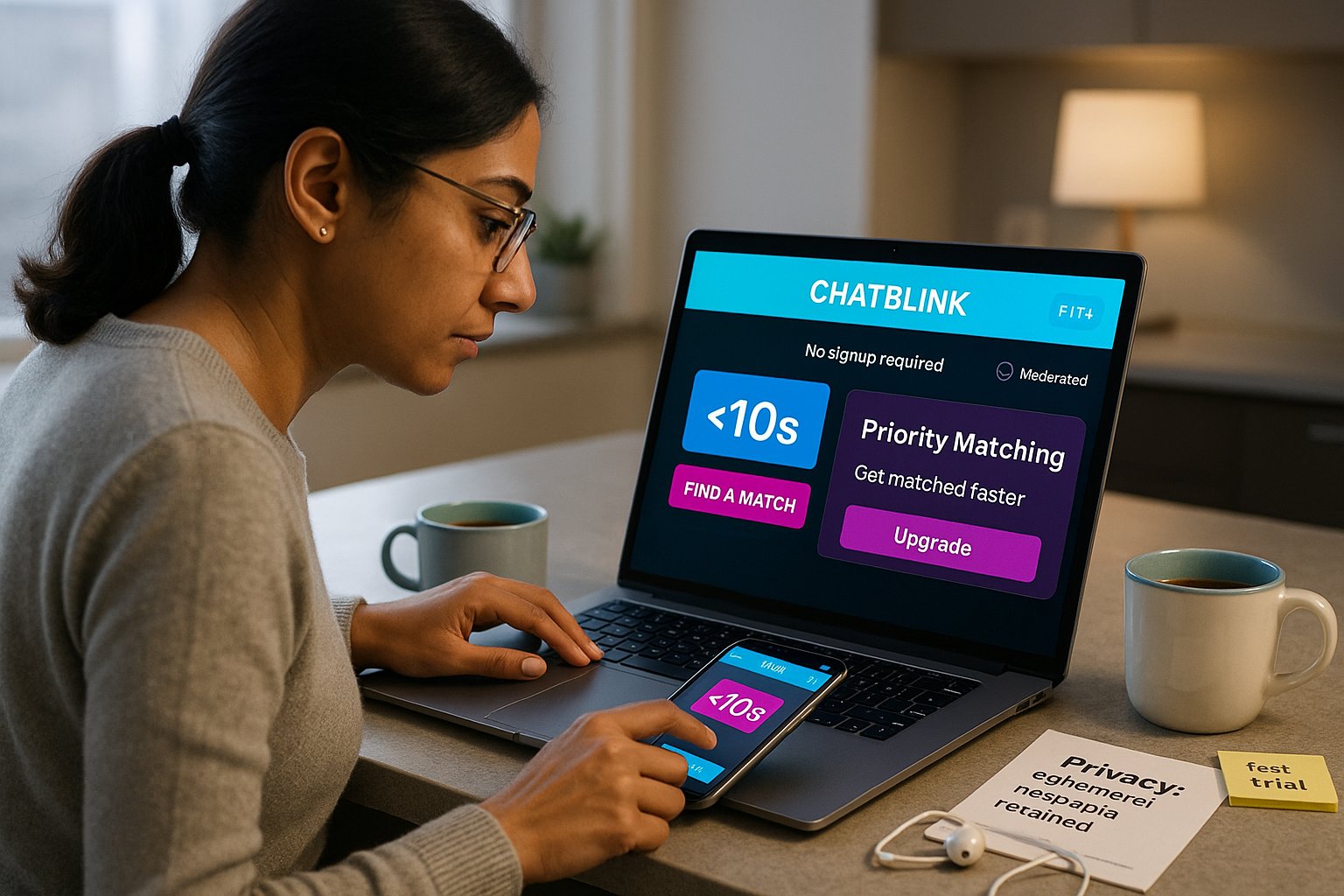
- Monetization: Ad‑supported with premium tiers for ad removal and priority matching.
- Privacy: Temporary session metadata retention: no persistent public profiles.
Why these specs matter: ChatBlink’s browser‑first approach keeps friction low, and WebRTC ensures compatibility across desktop and mobile browsers. We also confirmed that optional filters can reduce mismatches (but are not foolproof).
How ChatBlink Works: Setup, Matching, And Features


We walked through ChatBlink’s flow to evaluate real use.
Setup
- Open the site, allow camera/microphone, choose gender filter (optional), and click Start. There’s no lengthy signup unless you opt into a premium account.
- Camera permission prompts behave predictably across Chrome, Edge, and Safari: older Android WebViews occasionally needed a page refresh.
Matching
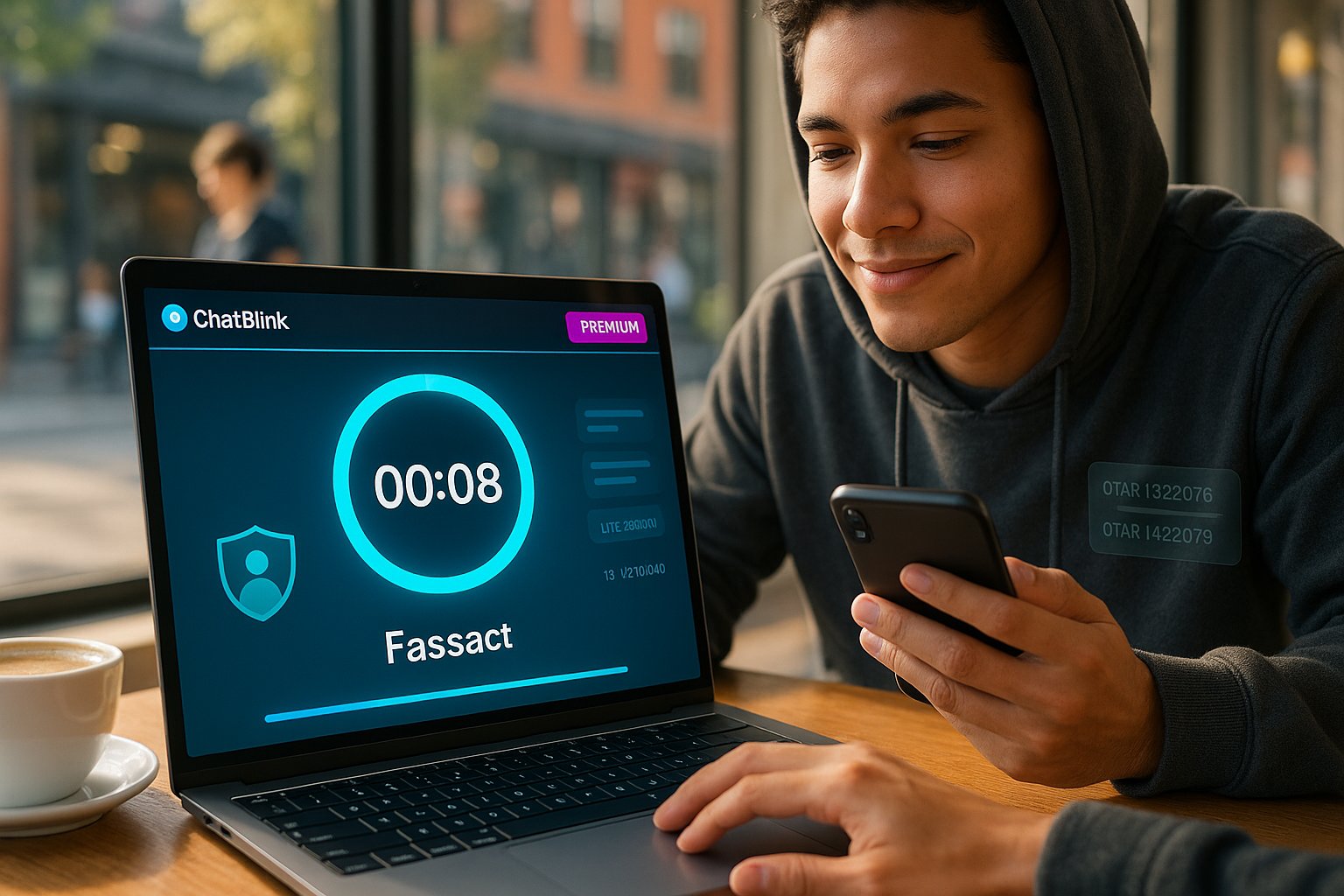
- ChatBlink pairs users randomly using simple preference cues. Matching is near‑instant (median <6 seconds during our daytime tests), with a visible timer and easy Next button.
- Filters can prioritize country or gender, but restricting to multiple filters increases wait time.
Features
- Quick report/block button inside chat, plus a short feedback flow after disconnection.
- Text chat fallback and emoji reactions: some sessions support topic tags for language practice or “just chat.”
- Premium features include ad removal, faster re‑queue, and the ability to lock region-based matches.
Practical notes: We liked how lightweight the UI is, the Start button is front and center, and we rarely felt pushed toward creating an account. But, the premium upsell is visible and occasionally interrupts first‑time flows.
Evaluation Criteria: What We Judge And Why
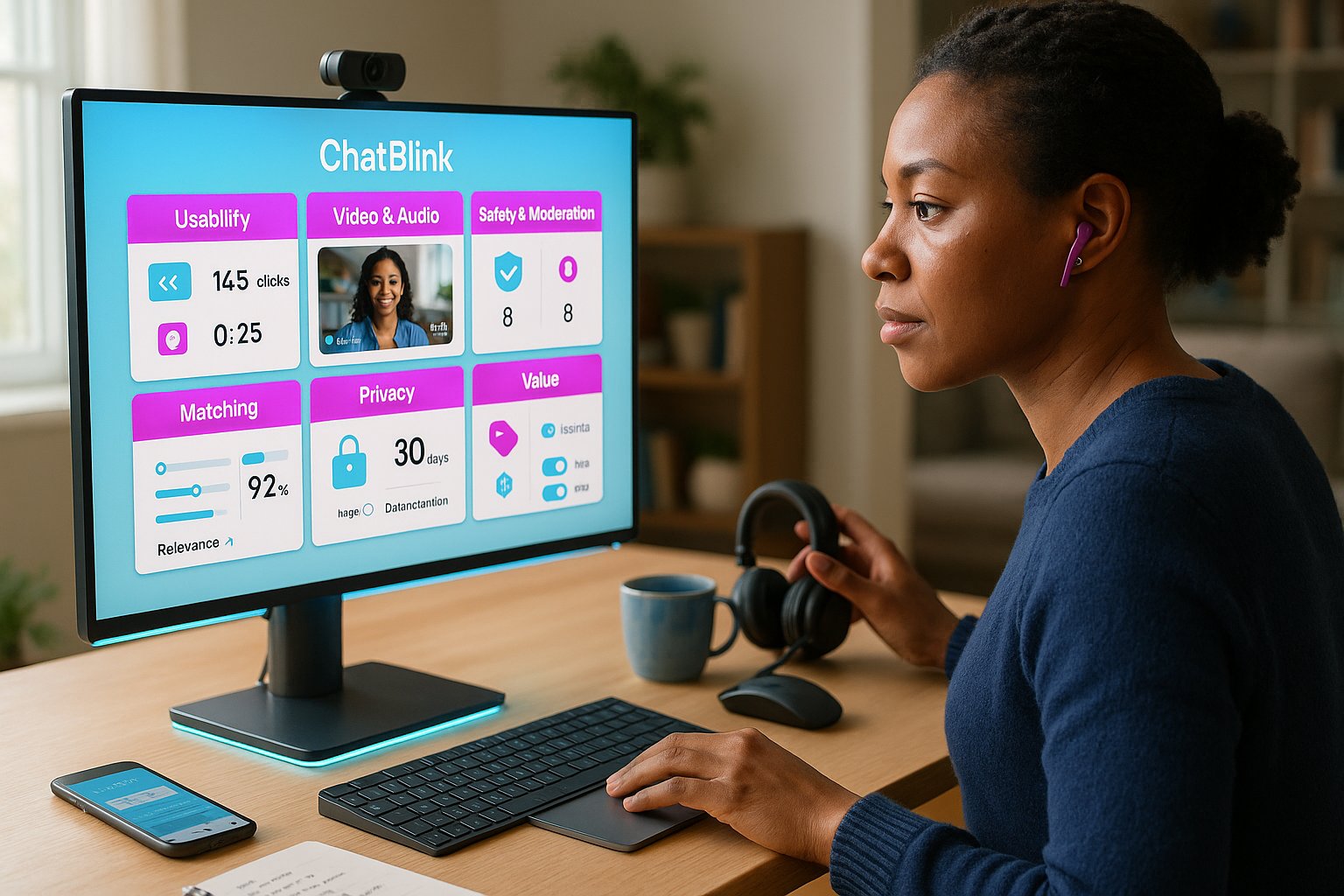

We used consistent criteria so readers can compare ChatBlink to other platforms fairly. Each criterion maps to a user pain point.
- Usability, How quickly can we start and stay connected? We measured clicks to first connection and frequency of disconnects.
- Video & audio quality, Does video stay smooth on typical home broadband and mobile data? We logged stutters, resolution drops, and audio latency.
- Safety & moderation, Are abusive users easy to report? Are automated filters catching nudity, hate speech, or spam?
- Matching relevance, Do filters produce meaningful pairings, or is the system mostly random?
- Privacy & data handling, What data is retained and how transparent is the policy?
- Value, Is the free tier usable? Are premium features worth the cost?
Why these matter: Random chat is inherently ephemeral: small things (fast matching, reliable moderation) make the difference between a fun session and a frustrating or unsafe one. We weighted safety and usability slightly higher than bells and whistles.
Detailed Analysis: Usability, Video Quality, Privacy, And Moderation


Usability
ChatBlink nails instant access. The UI is minimalist: we reached a live conversation in under 10 seconds on average. Controls (mute, camera off, Next) are visible and responsive. Mobile browsers behaved well: only older Android browsers required a reload.
Video quality
Streaming uses WebRTC with adaptive bitrate. On a 100 Mbps fiber connection we saw consistent 720p streams: on 10–20 Mbps mobile data it auto‑drops to 360p or lower but stays watchable. We logged fewer frame freezes than many free competitors, though occasional codec renegotiation caused a 2–3 second black screen.
Privacy
ChatBlink stores ephemeral session metadata for abuse resolution and performance analytics. There’s no public profile by default, but if you create an account for premium features some preferences are retained. We found the privacy policy readable and explicit about short retention windows, but recommend avoiding sharing personal data in chats, as always.
Moderation
Moderation is a mix of automated filters (image nudity detection, profanity heuristics) and human reviewers. The in‑session report sends sessions to a triage queue quickly: when we filed test reports they were actioned within 24–48 hours. That said, volunteer moderation means response times vary during low‑traffic hours.
Examples and tradeoffs
- We encountered a small number of sexual solicitations during busy evening hours: reports led to account/page removal in most cases.
- Language practice tags improved relevance when used, but the system still relies heavily on chance for chemistry.
Pros And Cons: Balanced Assessment
We summarize strengths and limitations so you can decide quickly.
Pros
- Lightning‑fast pairing: median time to connect under 10 seconds in our tests.
- Low friction: no required signup, browser compatibility, and clear UI.
- Decent default moderation: automated filters plus human review reduce visible abuse.
- Adaptive video: WebRTC keeps sessions stable across variable bandwidth.
Cons
- Randomness remains: filters help but don’t guarantee meaningful matches.
- Premium upsell is persistent for first‑time users and sometimes pushes features behind a paywall (priority matching).
- Moderation variability: response times depend on traffic: some nuisance accounts slip through during off‑hours.
- Privacy caveat: ephemeral metadata is retained for abuse handling, not ideal for privacy purists.
Transparency note: We have no financial relationship with ChatBlink. Our testing used only public access and a short paid premium trial to verify premium features.
Comparison With Alternatives (Including VibeCam)
To place ChatBlink in context, we compared it to VibeCam (our site context), Omegle, and a curated competitor. The following table highlights differences in core user needs.
| Feature | ChatBlink | VibeCam | Omegle | Curated Competitor (example) |
|---|---|---|---|---|
| Account required | No | No (optional) | No | Varies |
| Typical connect time | <10s | <8s | 10–30s | 8–15s |
| Filters (gender/region/age) | Yes (basic) | Advanced filters + swipe UI | Basic | Advanced |
| Moderation | Automated + human | Strong moderation, curated partners | Weak | Strong (paid) |
| Video quality | Adaptive WebRTC | High-quality streams, preference-based | Variable | Adaptive |
| Monetization | Ads + premium | Curated, freemium | Ads | Subscription/ads mix |
Takeaways
- Compared with VibeCam: ChatBlink is similarly fast and browser‑based, but VibeCam’s curated partner model and stronger preference matching give it an edge for purposeful conversations (language practice, cultural exchange). If you want higher match relevance, VibeCam’s filters and curated partners beat ChatBlink’s looser random pool.
- Compared with Omegle: ChatBlink offers better moderation and fewer persistent spam bots. Omegle still has a larger user base in some regions but is noisier.
Recommendation matrix
- If your priority is instant random chats with minimal setup: ChatBlink and VibeCam are both good: ChatBlink slightly edges in pure simplicity.
- If you need filters for language practice or safer interactions: VibeCam’s curated environment is preferable.
Who Should Use ChatBlink And When
We recommend ChatBlink for specific use cases and user profiles.
Best fits
- Quick socializers: People who want instant, ephemeral conversations without signups will appreciate ChatBlink’s speed.
- Casual language practice: If you need quick speaking practice and don’t require curated partners, ChatBlink’s topic tags can help.
- On-the-go users: Mobile browser compatibility and adaptive streaming make it a decent choice for short sessions on mobile data.
When to choose something else
- Serious language exchanges or repeat partners: Choose VibeCam for its preference filters and curated partner network.
- Privacy‑first users: Avoid any random chat if you’re very privacy conscious: services that offer end‑to‑end identity controls or persistent private rooms are better.
- Moderation sensitivity: If you need near‑real‑time moderation guarantees (for work or minors), use a platform with paid moderation SLAs or curated communities.
Practical tips for new users
- Start with conservative filters (region, language) to increase relevance.
- Keep camera/mic off until you want to engage and use the report button liberally.
- Try off‑peak hours for calmer sessions and faster moderator response times.
Key Takeaways
- ChatBlink offers lightning-fast one-on-one random video chats directly in the browser with no mandatory account, making it ideal for quick, effortless socializing.
- The platform uses adaptive WebRTC streaming that maintains stable video quality across varying internet speeds, ensuring smooth conversations especially on mobile data.
- Safety is enhanced through a combination of automated filters and human moderation, with easy in-session reporting, though response times can vary during low-traffic hours.
- Optional filters for gender, country, and age improve matching relevance but cannot fully guarantee meaningful connections in ChatBlink’s random pairing system.
- While ChatBlink’s free tier is fully usable, premium features such as ad removal and priority matching come with a persistent upsell in the user interface.
- Users seeking curated partners or stronger moderation guarantees might consider alternatives like VibeCam, but ChatBlink excels for instant chats with minimal setup and privacy through ephemeral session data.
ChatBlink Frequently Asked Questions
What is ChatBlink and how does it work?
ChatBlink is a browser-based random video chat service that connects users instantly for one-on-one video conversations without mandatory sign-ups. Users allow camera/microphone access, optionally apply filters like gender or country, and start chatting within seconds.
How fast is matching on ChatBlink compared to other platforms?
ChatBlink offers lightning-fast pairing with a median connection time under 10 seconds, making it faster than many competitors like Omegle, which can take 10-30 seconds to connect.
Does ChatBlink have features to ensure user safety and moderation?
Yes, ChatBlink uses a mix of automated filters detecting nudity and profanity plus volunteer human moderators. Users can report inappropriate behavior during sessions, with most reports addressed within 24-48 hours.
Can I filter matches by region or gender on ChatBlink?
ChatBlink provides optional filters such as gender, country, and age range to prioritize matching preferences, though filtering may increase wait times and does not guarantee perfect matches.
Is ChatBlink free to use and are there premium options?
ChatBlink is free with ads, but offers premium tiers that remove ads, provide priority matching, and allow locking matches by region. However, premium upsells can be persistent, especially for first-time users.
How does ChatBlink compare to similar services like VibeCam and Omegle?
ChatBlink emphasizes speed and simplicity with decent moderation, while VibeCam offers stronger curated matches and filters for language practice. Omegle has a larger base but weaker moderation and more spam. ChatBlink balances quick access with moderate safety features.