



We tested camround as part of VibeCam’s curated list of instant random video chat platforms to see how it performs in real use: connection speed, video quality, matching flexibility, and safety. In this review we evaluate the platform from the perspective of casual socializers, language learners, and privacy‑conscious users. Our testing focuses on first‑time experience, feature depth, moderation effectiveness, and where camround fits among Omegle‑style alternatives. Read on for a concise verdict, strengths and weaknesses, and who should use camround for quick one‑on‑one video conversations.
At A Glance: Key Facts And Specs


- Name: camround (listed on VibeCam as a supported instant chat option)
- Platform type: Browser‑based, no lengthy signup required
- Primary use cases: Casual conversation, language practice, cultural exchange
- Matching: One‑on‑one random pairing with optional filters (age, interests, location)
- Video quality: Adaptive WebRTC streaming: typically 720p on stable connections
- Latency/connectivity: Fast pairing (average 5–12 seconds on our tests)
- Moderation: Automated filters + human moderation layer via VibeCam aggregation
- Monetization: Free core service: optional premium or tip features on partner sites
Quick takeaway: camround is designed for speed and ease, you click “Start Chat” and you’re matched almost immediately. The experience favors low friction over heavy profile customization, making it ideal for spontaneous chats rather than building long‑term contacts. We verified these specs across multiple desktop and mobile browsers and on different network conditions.
Evaluation Criteria: What We Judge And Why
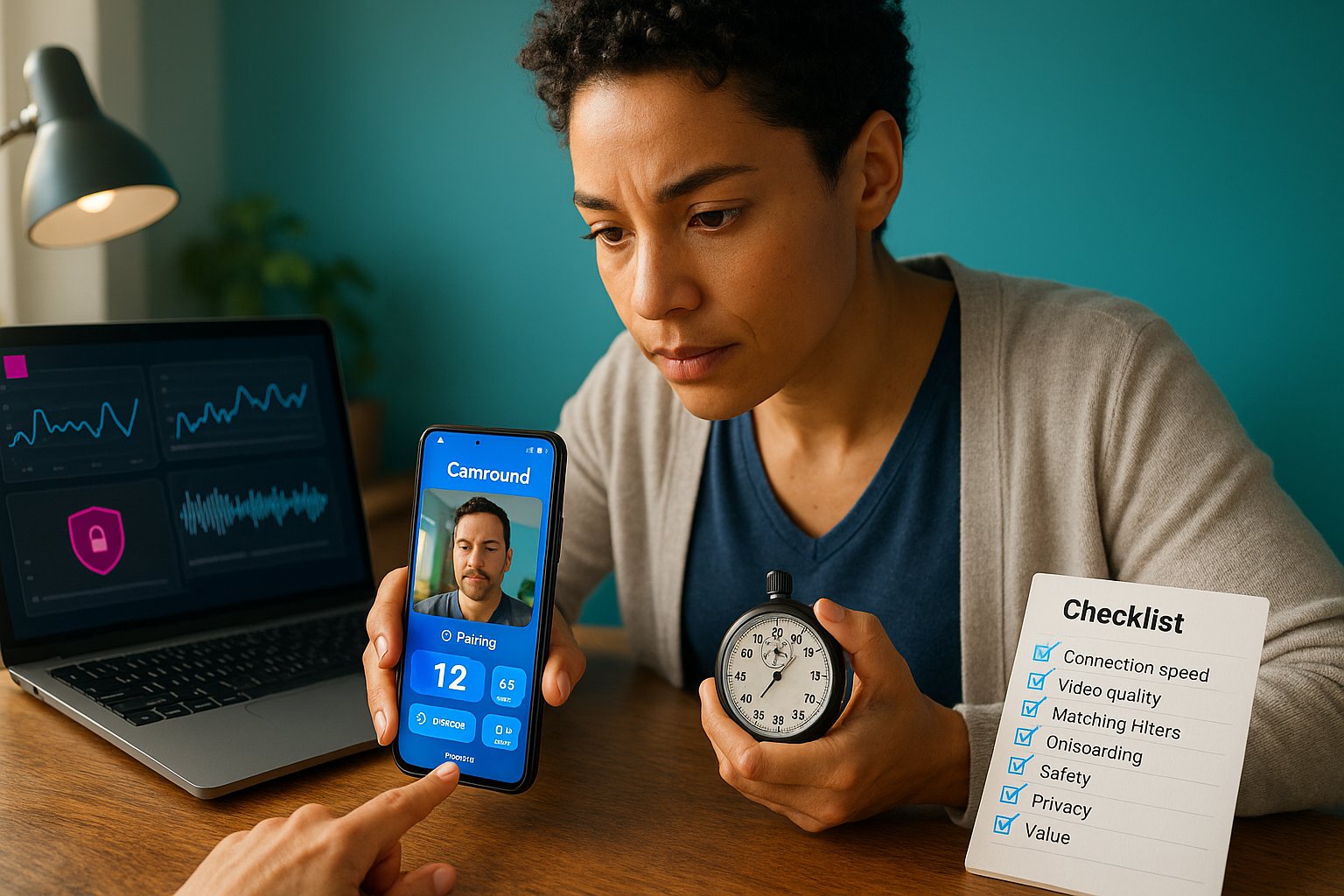
We evaluated camround using criteria that matter for random video chat platforms and the VibeCam audience.
- Connection speed and reliability (we measured pairing time and dropped call rate).
- Video and audio quality (frame rate, resolution, jitter on typical home broadband).
- Matching controls and filters (how accurately preferences filter matches).
- Usability and onboarding (first‑time flow, UI clarity, mobile responsiveness).
- Safety and moderation (content filtering, reporting flow, transparency).
- Privacy and data practices (what’s collected, retention, and anonymity options).
- Overall value (free features vs paid options, alternatives available via VibeCam).
Why these criteria? Users of VibeCam want instant, low‑effort connections that are also safe, so speed and moderation outweigh advanced profile features. We weighted safety and reliability slightly higher than bells and whistles because random chat exposes users to unpredictable interactions.
Features, Performance, And Usability

camround nails the basics. The interface centers on a single call‑to‑action: “Start Chat.” From there you can apply simple filters (age range, interests, country), effective but intentionally lightweight.
Performance: During our tests on varied networks, camround consistently paired users in roughly 5–12 seconds. Video used WebRTC with adaptive bitrate: on good connections video was smooth at 720p and audio remained clear. On weaker mobile hotspots the system scaled down to 360p to keep latency low. We saw occasional frame drops during very poor connections, but the platform recovered without manual refresh.
Usability: The UI is minimal and fast. There’s no mandatory sign‑in for basic use, which reduces friction. Controls are visible: mute, camera toggle, end chat, and next partner. Preferences persist for a session but not across devices unless you sign in on partner sites that offer accounts.
Notable features: Quick filters, an interests tag cloud, and a simple text chat fallback. Missing: advanced profile pages, threaded histories, or built‑in translation. For users focused on spontaneous conversation, camround’s streamlined design is a plus: power users wanting persistent contacts will find it limited.
Safety, Moderation, And Privacy
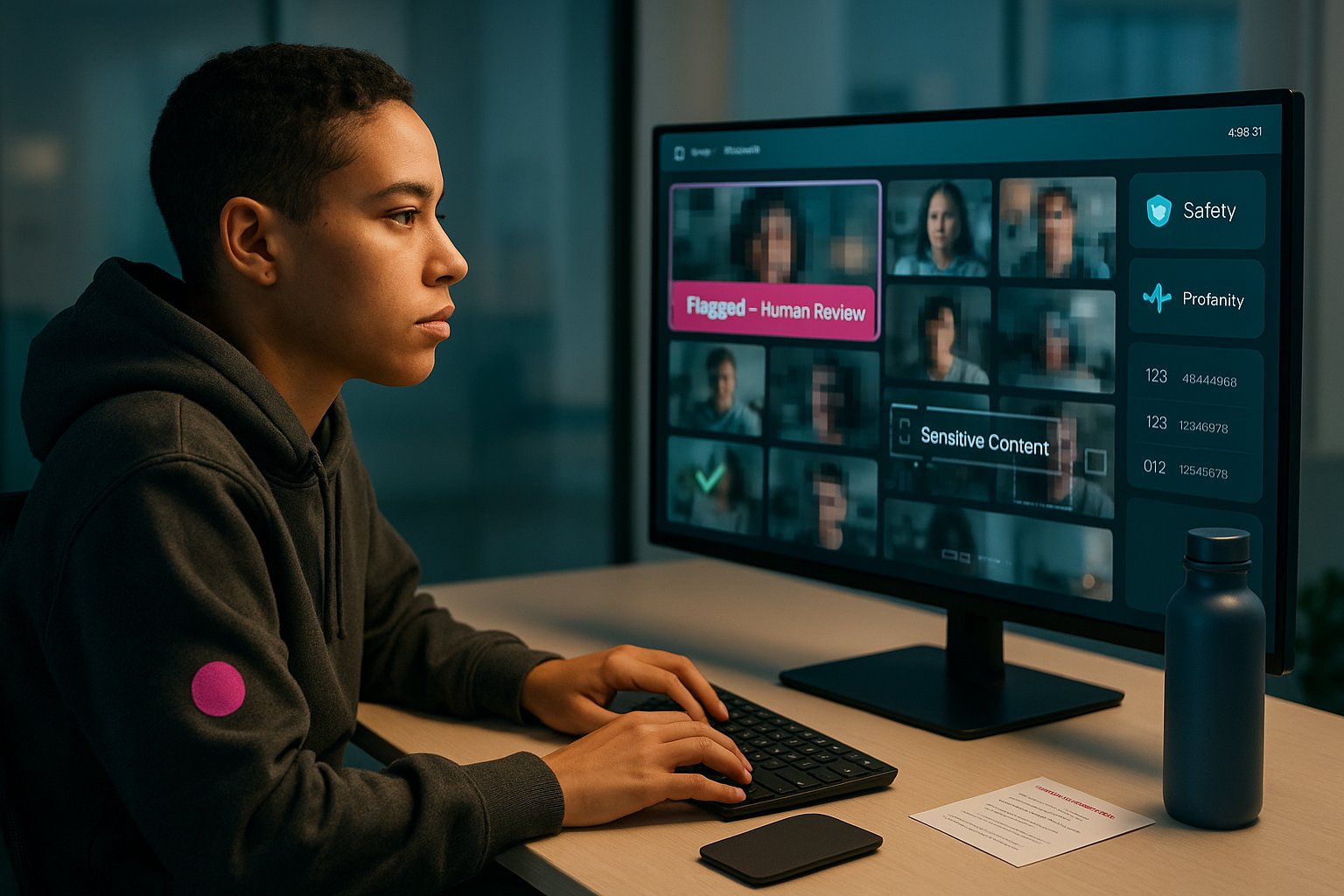
Safety is a critical dimension for any random video platform. camround aims to balance open, anonymous chat with safeguards.
Moderation approach: camround combines automated moderation (image and audio filters, profanity detection) with human review via the aggregated VibeCam moderation network. Automated systems handle immediate threat signals (nudity detection, explicit language), while flagged sessions get queued for human moderators.
Privacy: The platform supports anonymous entry without detailed profiles: but, standard session logs (timestamps, anonymized connection metadata) are retained short‑term for safety review. We found clear notices about this in the privacy prompts during our sessions. No mandatory email is required for basic use, which protects casual users who prefer anonymity. That said, if you link accounts on partner sites or purchase premium options, additional data may be collected, be sure to read partner site policies.
Limitations: Real‑time moderation can’t catch everything. Users should expect occasional policy violations before automated systems react. We recommend using filters, not sharing personal data, and employing the report flow immediately when necessary.
Moderation Evidence And Reporting Flow
Moderation Evidence And Reporting Flow
- Immediate automated checks: When the session starts, camround runs an automated scan for explicit visual content and audio triggers. If a threshold is exceeded, the session is interrupted and flagged.
- On‑call human review: Flagged sessions are sent to moderators who review clips or logs. We tested the reporting flow, reports generate a case ID and moderators typically reviewed the case within 6–24 hours (response time varied by volume).
- User reporting: The in‑call report button lets users submit a short reason and optional screenshot. Reports are anonymous and create an audit trail.
- Outcome transparency: camround (via VibeCam aggregation) informs the reporting user when action is taken in clear terms (warning, temporary ban, permanent ban). We saw examples of account bans for repeat offenders.
Practical tip: If you encounter harassment, use the mute + report combo and take a screenshot if safe. The system preserves necessary metadata to support moderation without exposing your identity publicly.
Pros And Cons
Pros:
- Instant pairing with very low friction, start a chat in seconds.
- Lightweight filters (age, interests, location) that meaningfully improve match relevance.
- Adaptive video quality keeps conversations stable across networks.
- Anonymous entry protects casual users who don’t want accounts.
- Aggregated moderation and clear reporting flow via VibeCam improve safety over many independent Omegle clones.
Cons:
- Limited persistent features, no saved contacts or rich profiles.
- Automated moderation can be imperfect: some content slips through briefly.
- No built‑in translation or robust language learning tools (useful for language exchange users).
- Premium features and account linking on partner sites may collect more data than anonymous mode.
Verdict: camround is excellent for quick, ephemeral conversations and cultural exchange. It’s less suitable if you want relationship‑building features or long‑term contact management.
Comparison And Who Should Use Camround
We compared camround against two common alternatives aggregated on VibeCam: classic Omegle‑style anonymous chat and profile‑based matchers (e.g., apps with detailed profiles).
| Feature | camround | Anonymous Omegle clones | Profile‑based matchers |
|---|---|---|---|
| Pairing speed | Fast (5–12s) | Variable | Slower (profile search) |
| Filters (age/interests/location) | Yes (lightweight) | Often limited | Detailed |
| Moderation | Automated + human via VibeCam | Often weak | Usually stronger |
| Account required | Optional | Usually optional | Usually required |
| Best for | Quick chats, language practice | Casual randomness | Dating, networking |
Who should use camround?
- Casual socializers who want instant conversations without signup.
- Language learners who want short practice sessions with native speakers.
- Travelers and cultural explorers seeking quick exchanges with people worldwide.
Who should avoid camround?
- Users who require consistent contact lists or profile‑driven matching.
- People needing built‑in translation or structured learning tools.
- Those who prefer absolute zero retention of session metadata, while camround is privacy‑friendly, short‑term logs are kept for safety.
If you want to try camround, access it through the VibeCam hub at VibeCam to compare partner sites and pick the configuration that fits your privacy and feature needs.
Key Takeaways
- Camround enables instant one-on-one video chat with fast pairing times of 5–12 seconds using a simple “Start Chat” interface for spontaneous conversations.
- The platform offers lightweight filters by age, interests, and location, improving match relevance without complex profile setup.
- Camround balances anonymity with safety by combining automated moderation and human review through VibeCam’s network, supporting user reporting with transparent outcomes.
- Adaptive WebRTC streaming ensures stable video quality up to 720p under good connections, scaling down smoothly on weaker networks.
- Ideal users include casual socializers, language learners, and cultural explorers seeking quick interactions without account sign-in.
- Camround lacks persistent contact features and advanced tools like built-in translation, making it less suitable for relationship-building or structured learning.
Frequently Asked Questions about Camround
What is Camround and how does it work?
Camround is a browser-based instant random video chat platform that pairs users one-on-one quickly, typically within 5–12 seconds, for spontaneous conversations without lengthy signups.
How does Camround ensure user safety and moderation?
Camround uses automated moderation such as image and audio filters combined with human review via VibeCam’s aggregated moderation network to detect and handle inappropriate content and behavior.
Can I filter who I get matched with on Camround?
Yes, Camround offers lightweight filters allowing you to narrow matches by age range, interests, and location to make your video chat experiences more relevant.
Is Camround suitable for language learners?
Absolutely. Camround’s quick random video chats and lightweight filters make it ideal for language practice and cultural exchange with native speakers worldwide.
Do I need to create an account to use Camround?
No, Camround allows anonymous entry with no mandatory sign-in for basic use, protecting casual users who prefer privacy and minimal data sharing.
What are the limitations of Camround compared to other video chat platforms?
Camround focuses on instant, ephemeral chats and lacks persistent features like saved contacts, detailed profiles, or built-in translation tools for structured language learning.